


SilkWind Bot
What it is
SilkWind Bot comes with the game itself, so it is part of the game and not a third-party program. It is planned for every player; how it is offered will be announced. Founder Pack owners have permanent access: see the Founder Packs.
Two modes
In the game
- Open the SilkWind Bot window.
- Configure it.
- Press Start.
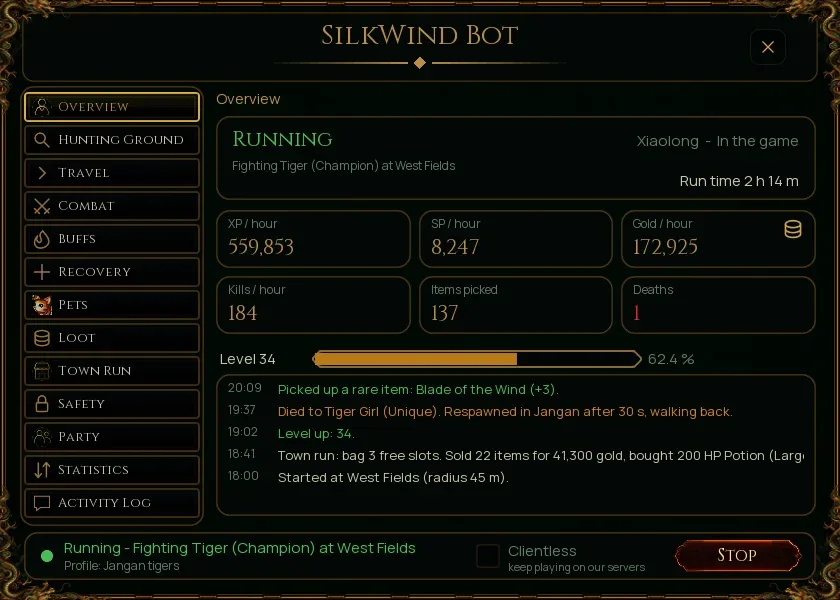
While it runs, a Bot running bar with a Stop button stays at the top of the screen.
Clientless
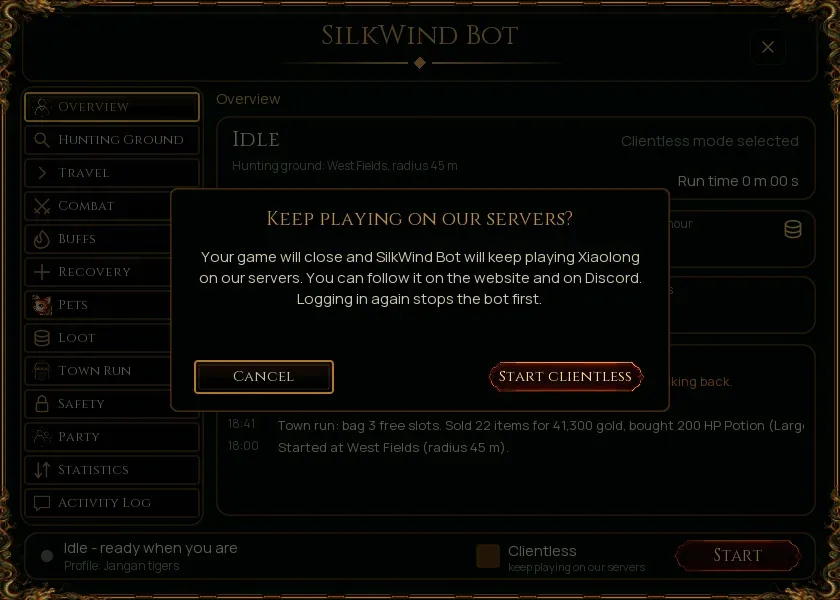
- Tick Clientless and press Start. You can also start it from the website account page or from Discord.
- The game closes and your character keeps playing on our servers.
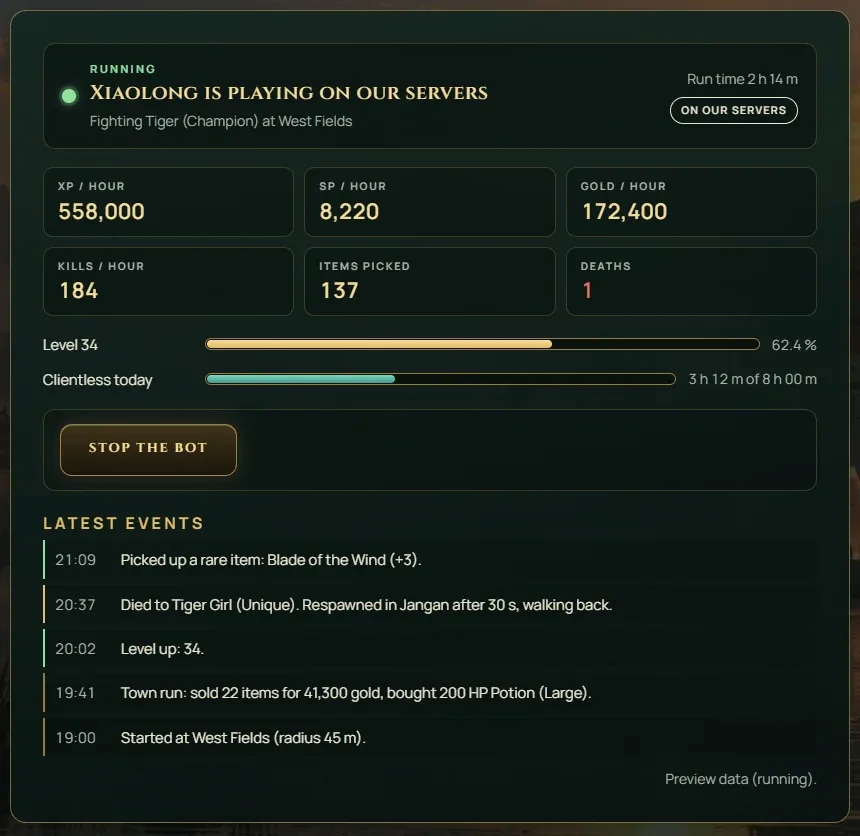
- Follow your XP per hour, level and status on the website and on Discord.
Logging in to the game stops the bot automatically.
What you can set up
Every part of the bot has its own page in the SilkWind Bot window.
Hunting Ground
Where the bot hunts.
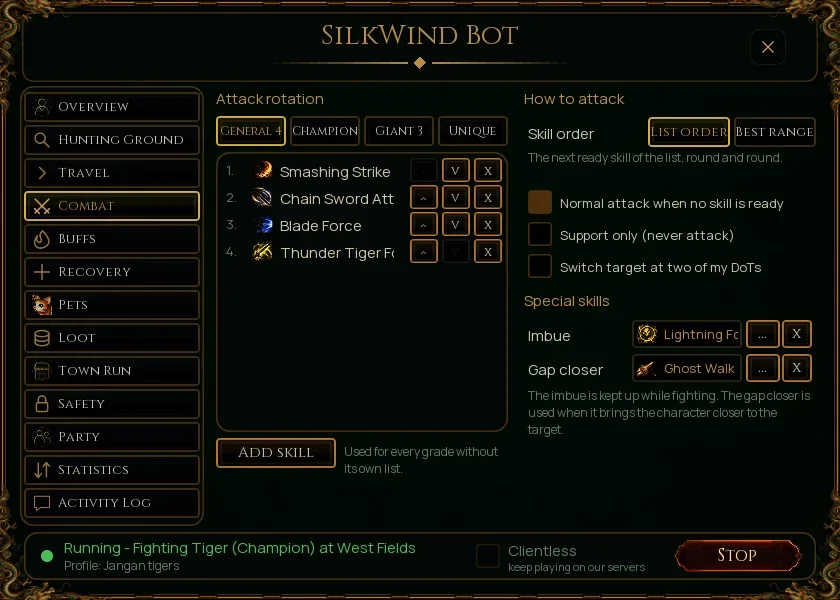
Combat
Skill rotations for each monster grade.
Buffs
Which buffs to keep up.
Recovery
Potions (including Vigor) and cures for bad statuses.
Pets
Settings for your pets.
Loot filter
What to pick up.
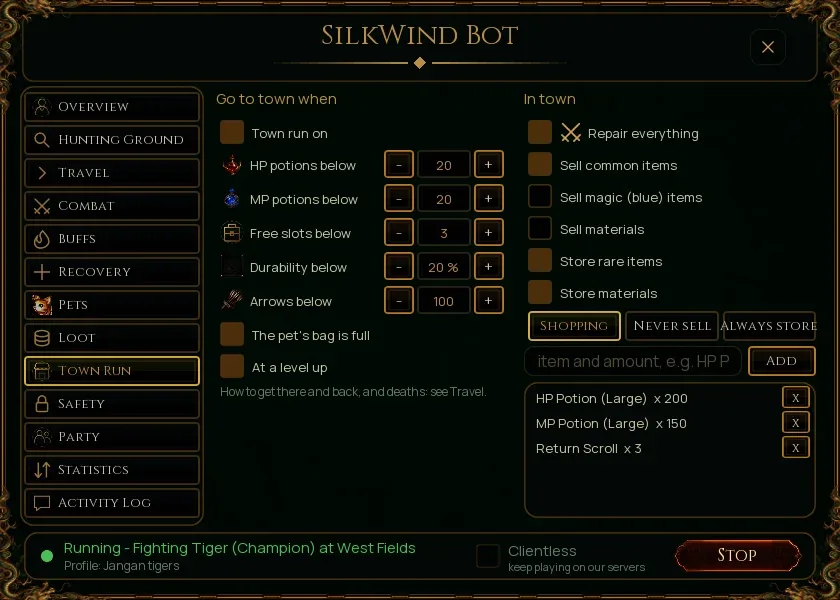
Town Run
When to return to town, what to repair, sell and store, and your shopping list.
Travel
How the bot gets around.
Safety
Monster grades to avoid, Berserk rules and alerts for Uniques.
Party
Party settings.
Statistics
How your session is going.
Activity Log
What the bot did, line by line.
Fair play
What a clientless session cannot do
- Trade or send mail.
- Use the Auction House or the Item Mall.
- Chat.
- Withdraw from storage or drop items.
Easy Anti-Cheat
The game is protected by Easy Anti-Cheat, so publicly available third-party bots do not work. SilkWind Bot is the built-in way to play while you are away.
Screenshots
Questions
Is it allowed?
Yes. SilkWind Bot is built into the game, so it is part of the game and not a third-party program.
Who can use it?
SilkWind Bot is planned for every player, and how it is offered will be announced. Founder Pack owners have permanent access with no additional fee.
Do I need my PC on?
Not in clientless mode. The game closes and your character keeps playing on our servers.
Can I use another bot?
No. SilkWind is protected by Easy Anti-Cheat, so publicly available third-party bots do not work.